 KAA
KAA KAA VPN · APP STORE
How to change the region Apple ID
Before changing regions, check your balance, active subscriptions, pending purchases, and family sharing. Apple may require you to complete these transactions and provide valid payment information for the new country.
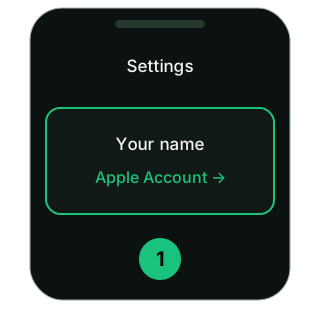
1. Open Settings
Tap your name in iPhone or iPad settings.
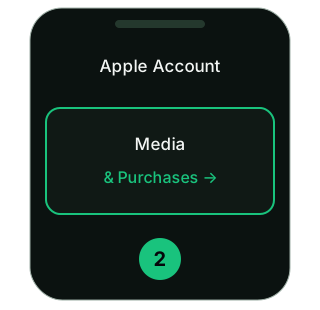
2. Media materials and purchases
Open this section. In some versions of iOS: “Content and purchases” → “View”.
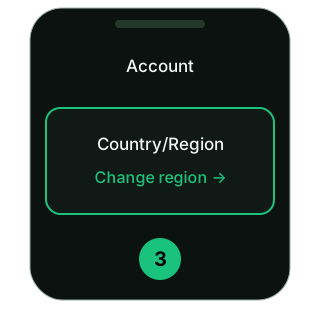
3. Country/Region
Select a new country, read the terms and conditions and follow the instructions Apple. Provide valid payment information and address if required.
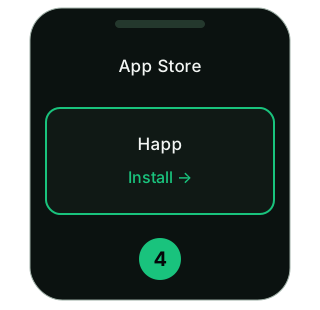
4. Install the application
Reopen the link Happ to App Store. After installation, return to KAA and add a subscription.
Screen diagrams, not screenshots iOS. The names of the items depend on the system version.